App Store proceeds: what they are and how Apple calculates them
Proceeds are what you earn on a sale: the customer's price minus taxes Apple collects and Apple's commission. How they're calculated, with a worked example.
 By Alexander, maker of Storewatch · · 5 min read
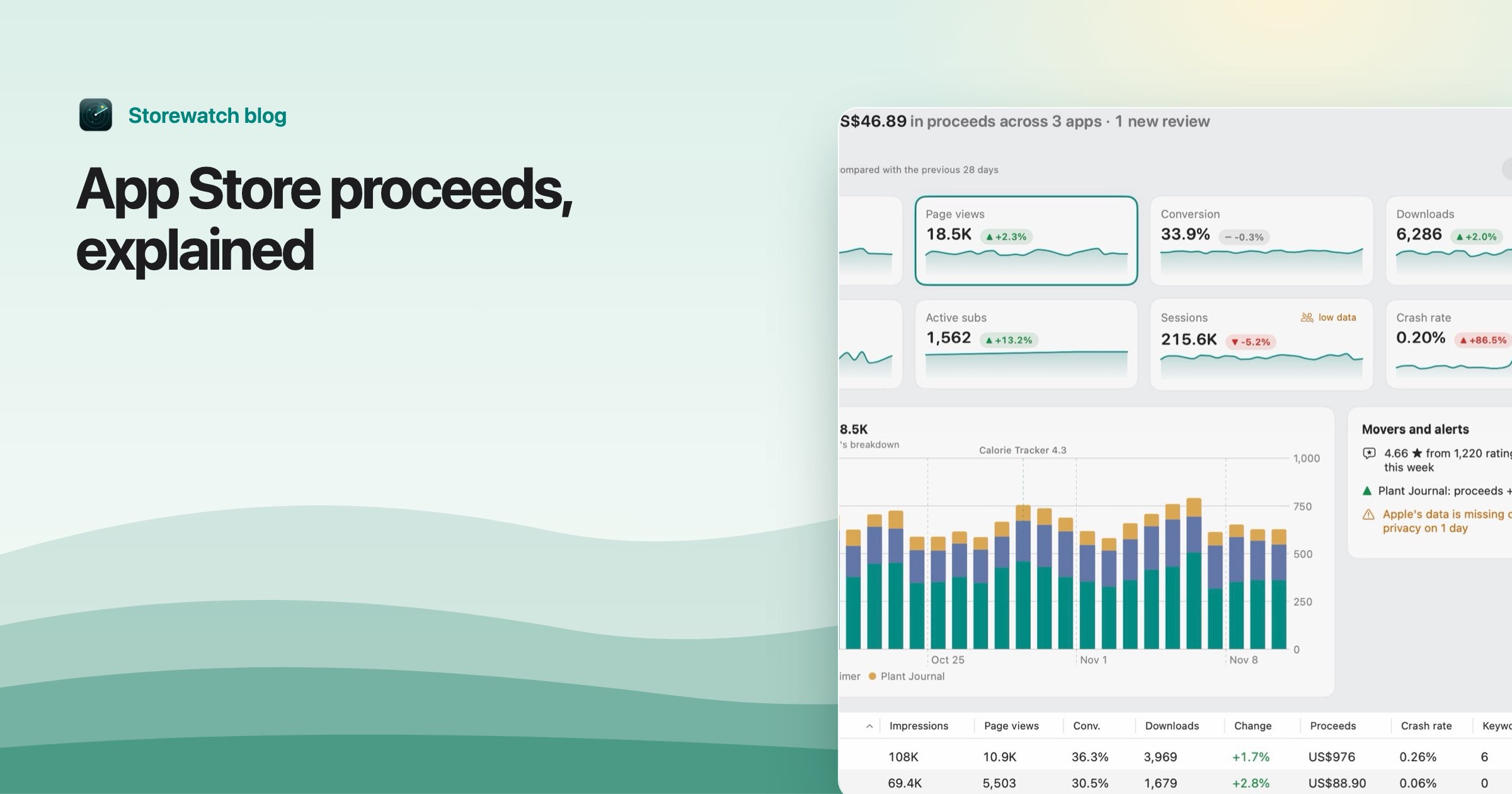
Proceeds are the amount you receive from a sale of your app or in-app purchase: the customer's price, minus the taxes Apple collects and remits, minus Apple's commission. That's Apple's own definition in App Store Connect Help, and it's the number your income is built from.
Proceeds are not the same as sales (what customers paid) and not the same as your payment (what lands in your bank). This page explains each step of the calculation, where you'll see proceeds in App Store Connect, and why the figure in Sales and Trends is only an estimate.
How proceeds are calculated
Three steps, in this order:
- Start with the customer price. It's the price you set in App Store Connect, and in most countries it already includes the taxes Apple collects, such as VAT. Apple notes this in the Summary Sales Report documentation.
- Take off taxes. Apple collects sales tax or VAT where required and pays it to the tax authority. That money was never yours.
- Take off the commission. It's 30% by default, and 15% for the App Store Small Business Program and for subscriptions after their first year. See App Store fees and the Small Business Program for who qualifies.
What's left is your proceeds. Apple writes the formula as "Customer Price minus applicable taxes and Apple's commission, per Schedule 2 of your Paid Apps Agreement."
A worked example
Say a customer in Germany buys your app at €4.99. German VAT is 19%, and the price includes it. The example uses the standard 30% commission.
| Step | Amount |
|---|---|
| Customer price (VAT included) | €4.99 |
| Price without VAT (4.99 ÷ 1.19) | €4.19 |
| Commission, 30% of €4.19 | €1.26 |
| Proceeds | about €2.94 |
Under the Small Business Program (15%), the same sale gives about €3.56. Amounts are rounded, and Apple rounds in its own way, so a single unit can differ by a cent. The result is in the currency Apple pays for that region, which is listed as Currency of Proceeds in your reports and isn't always the currency the customer paid in.
Note: The tax rate depends on the country, and some countries don't collect tax through Apple at all. The 19% above is just this example's rate. For exact figures, the price list in your app's Pricing and Availability page shows the proceeds Apple expects for each country.
Proceeds vs sales vs payment
| What it is | Where you see it | |
|---|---|---|
| Sales | What customers paid, taxes included | Sales and Trends |
| Proceeds | Sales minus taxes minus commission | Sales and Trends (estimate), financial reports (final) |
| Payment | What Apple sends you for a fiscal month, after any withholding | Payments and Financial Reports, your bank |
Proceeds are the middle step. The payment can differ from the proceeds you saw because of fiscal months, exchange rates, the minimum payment threshold, withholding tax and bank fees. That side has its own guide: why your App Store payment doesn't match your proceeds.
Where proceeds appear in App Store Connect
- Sales and Trends. The Proceeds view charts what you earned over any date range, by app, in-app purchase, country and more. Apple lists the Admin, Finance and Sales roles for it.
- Sales reports (downloadable). The Summary Sales Report has a Developer Proceeds column (the amount per unit) and Currency of Proceeds, next to Customer Price and Customer Currency. Multiply proceeds by units for the total.
- Payments and Financial Reports. Monthly financial reports follow Apple's fiscal calendar and show final proceeds. Their Partner Share column is the proceeds per unit, and Extended Partner Share is quantity times that. Apple lists the Account Holder, Admin and Finance roles for them.
Why proceeds in Sales and Trends are estimates
Apple is direct about it: "Proceeds in Sales and Trends aren't final." The page estimates the US dollar amount using a rolling average of the previous month's exchange rates. Customers paid in many currencies, and the dashboard converts them all to one.
Apple also says the dashboard shows near-real-time estimates while downloaded reports contain finalized data, and that refunds, billing retries and currency conversions may be recorded at different times in each system. Final proceeds come from the monthly financial reports, which only include transactions where Apple collected payment.
So if Sales and Trends says US$343 for a month and the financial report says a slightly different number, nothing is wrong. They're two stages of the same figure. A related mismatch, units against downloads, is covered in why downloads don't match your Sales report.
How Storewatch shows proceeds
Storewatch reads the same data. From the daily Sales report it takes Developer Proceeds times units, in the Currency of Proceeds, so each sale is kept in the currency Apple pays it in. A currency menu then converts everything into the one you choose, using ECB exchange rates (with other sources for currencies the ECB doesn't publish). Each past day uses that day's rate, which can differ from Apple's rolling average.
Storewatch labels proceeds as estimated until Apple's financial reports arrive. The Next payout card on the dashboard marks each fiscal month as Estimate (from daily sales) or Final (from the financial report), which needs a key that can read finance reports. See accounts for how keys and developer accounts are set up.
Frequently asked questions
What are proceeds in App Store Connect?
Proceeds are the money you earn on a sale after taxes and Apple's commission are removed from the customer's price. They appear in Sales and Trends, in the Sales reports and in the monthly financial reports.
What is the difference between sales and proceeds?
Sales is what customers paid, including taxes Apple collects. Proceeds is what's left for you after those taxes and Apple's commission (usually 30%, or 15% if you qualify).
Are proceeds the same as what Apple pays me?
Not exactly. Apple pays one amount per currency for each fiscal month. Exchange rates, the minimum payment threshold, withholding tax and bank fees can all make the payment differ from the proceeds you saw. The payout guide linked above lists the reasons.
Are proceeds before or after tax?
Proceeds already exclude the sales tax and VAT that Apple collects and remits. They are before your own income tax, which you owe on what you earn.
Why does Sales and Trends show different proceeds than my financial report?
Sales and Trends gives near-real-time estimates in US dollars using a rolling average exchange rate. Financial reports are final and follow the fiscal calendar, so some refunds and currency conversions land in different places.