App Store ratings and reviews: how they work and how to reset them
How App Store ratings and reviews differ, how your overview rating is set per country, what a reset does, and where to see it all in App Store Connect.
 By Alexander, maker of Storewatch · · 6 min read
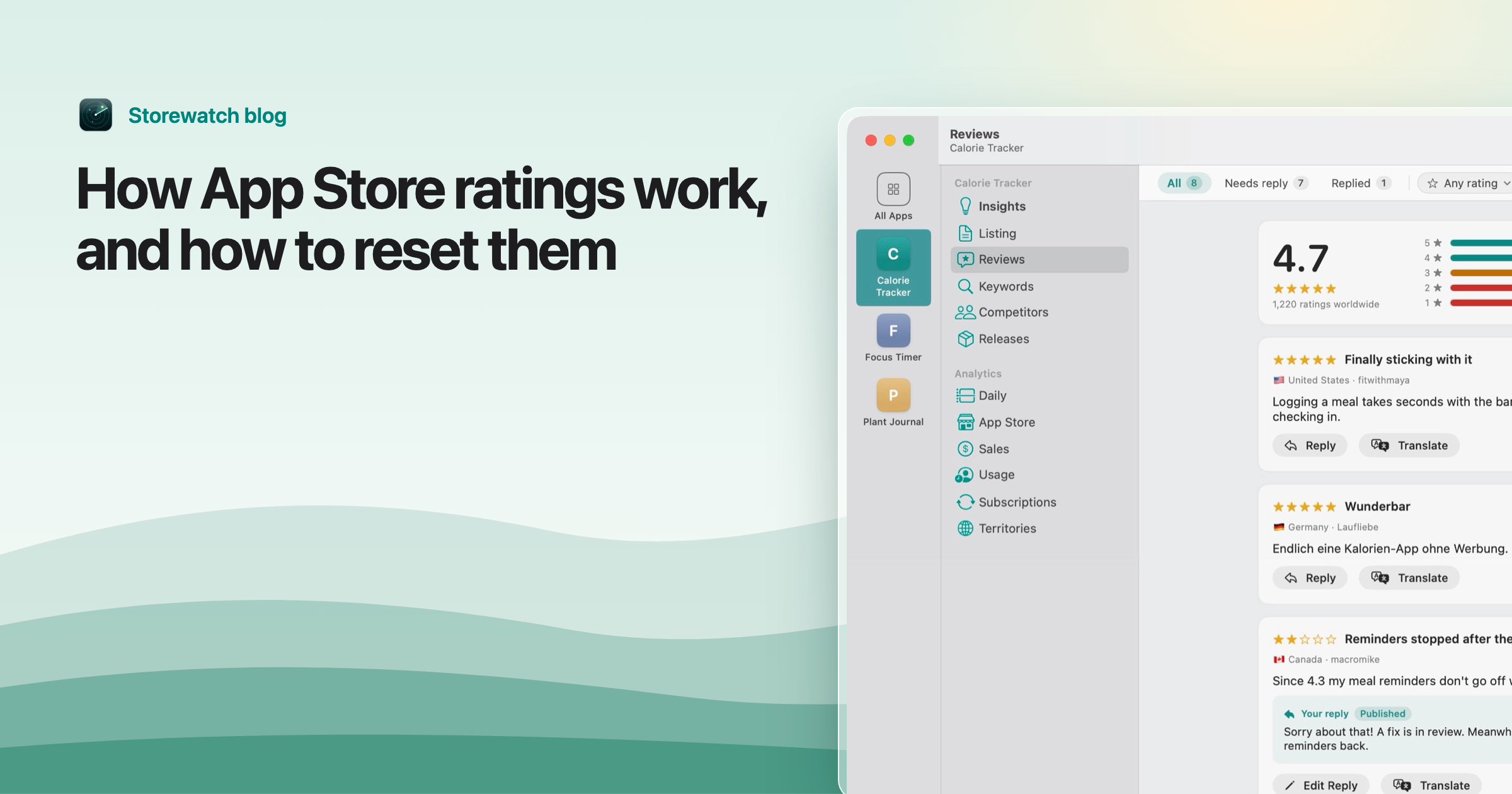
An App Store rating is a 1 to 5 star score. A review is the optional written text that can come with it. The stars from every customer feed one overview rating that your product page and search results show, and that number is kept separately for each country or region of the App Store.
This guide covers what Apple documents about how ratings work, what a rating reset really does, where to look at your numbers in App Store Connect, and what Apple says about ratings and downloads. Facts below come from Apple's Ratings and reviews overview and Ratings, reviews, and responses, as of November 2026.
Ratings vs. reviews
| Rating | Review | |
|---|---|---|
| What it is | 1 to 5 stars | Written text, with a star rating |
| Counts toward the overview rating | Yes | Yes, through its stars |
| Can you reply? | No | Yes, with a public response |
Apple's help says customers can rate your app on a scale from 1 to 5 stars on all platforms, and can submit written reviews for iOS, macOS and visionOS apps, but not for tvOS apps. So a tvOS app has ratings only.
Every review carries a star rating, but a rating doesn't need a review, so your number of ratings is at least your number of reviews. Star-only ratings have no text to read, so they're easy to overlook (more on that below).
How the overview rating is set
Apple's wording is that your product page "displays a single overview rating for your app for each country or region of the App Store as well as individual customer ratings and reviews." Three details matter:
- It's per country. Your US rating and your German rating are separate numbers. A new country can sit at a different average from your biggest market.
- The country is where the customer first bought. Apple says the country or region associated with a rating "reflects the location where the customer initially purchased the app."
- One rating per person. If a customer edits their rating or review, the most recent change is shown, and a new submission replaces the previous one.
What Apple doesn't publish is the arithmetic. As of November 2026 its documentation gives no formula, no weighting by recency and no minimum number of ratings before the overview rating appears (it only says "enough" ratings are needed after a reset). So treat anything that claims to know the exact formula as a guess. The public average you see in an app's listing is the only number that counts.
Some practical consequences follow from the documented rules, rather than from any Apple formula: an app with few ratings can swing a lot on one 1-star, and a rating left in one country says nothing about another.
Resetting the rating on a new version
Apple lets you reset the overview rating when you release a new version. In App Store Connect it's called Reset Overview Rating (older articles say "summary rating"). It's worth knowing what it does and doesn't do, per Apple's Reset an app overview rating:
- Who: the Admin or App Manager role.
- How: open the app version, find the Reset Overview Rating section and select "Reset rating when this version is released," then save. The reset happens when that version goes live.
- All countries at once. It affects all regions or countries simultaneously.
- Reviews stay. It "won't apply to written customer reviews, which will continue to display on the App Store."
- No undo. Once the new version is released, you can't restore the previous rating.
- A message on the product page. Customers see that the rating was recently reset until enough people have rated the new version, and then a new overview rating appears.
- Limits. For universal apps it applies only to the platform version you reset, and you can't reset the rating of app bundles.
Apple's ratings guidance suggests using the reset sparingly. The reason is simple: you throw away every good rating too, and your page shows a "recently reset" note and no star average while it rebuilds. It tends to make sense only when an older version had a serious problem that you've fixed and that most of your low ratings describe. If your low ratings are about something still true in the new version, a reset only delays the same number coming back.
Tip: Before you reset, reply to the reviews that describe the fixed problem. Apple notes that a customer is notified of your reply and can update their review, which can lift the rating without losing the good ones. See how to reply to App Store reviews.
Ratings, search and downloads
Apple states that the overview rating is "displayed on your product page and in search results," and that ratings and responses can help improve discoverability and encourage downloads. It also says "having few ratings may discourage potential users from downloading your app."
What Apple's documentation doesn't say is whether the rating is a ranking signal in search, or how much. That's worth keeping straight: a star average is visible to people in the result list, so it can change whether they tap, but how Apple orders results isn't documented on those pages.
Common sense, not an Apple statement: when two similar apps sit next to each other in search results, people tend to prefer the one with the higher average and more ratings. So the useful goals are to keep the average healthy and to collect ratings steadily, not in one burst. To do that without breaking rules, see how to get more App Store reviews and the review prompt guide.
Where to see ratings in App Store Connect
- Open Apps and select your app.
- Click Ratings and Reviews in the sidebar.
- Choose the platform at the top right, and a country or region at the top left.
- Filter the list by version, star rating, or reviews that were edited or responded to.
Apple's View ratings and reviews says the roles that can see this are Account Holder, Admin, App Manager, Customer Support, Developer and Marketing. If you reset a rating, the reset date appears in the Distribution tab under Ratings and Reviews. There's also a customer reviews endpoint in the App Store Connect API if you'd rather pull them with code.
In App Store Connect you switch countries one at a time, which is slow with an app sold in dozens of countries. Storewatch puts every review from every country in one inbox with a rating summary and a clickable star breakdown, and low ratings without a reply are flagged. It also has a "Ratings without a review" card, which shows star-only ratings per country, worked out from the App Store's daily rating counts minus written reviews, so you can see ratings that carry no text.
Frequently asked questions
How are App Store ratings calculated?
Apple publishes that customers give 1 to 5 stars, that the latest rating from each customer counts, and that the overview rating is kept per country or region. It doesn't publish the exact formula, so it's not possible to calculate it independently from Apple's documentation.
Can I reset my App Store rating?
Yes, when you release a new version, if you're an Admin or App Manager. Choose Reset rating when this version is released in the version's page in App Store Connect. It resets every country at once, can't be undone after release, and leaves written reviews in place.
Do ratings affect App Store search ranking?
Apple shows the overview rating in search results and says ratings can help discoverability and downloads, but its ratings pages don't describe it as a ranking factor or give weights. Treat it as a conversion factor you can see, not a documented ranking lever.
Why is my rating different in different countries?
Because the overview rating is kept for each country or region, and a rating belongs to the country where the customer first bought the app. A different mix of customers and a different number of ratings naturally gives different averages.
Can I remove a bad rating?
Not for a rating. For a review that's offensive or inappropriate you can use Report a Concern in App Store Connect, and the customer isn't notified. Otherwise you can reply to a review, and the customer may update it.
Do ratings and reviews count for tvOS apps?
Customers can rate tvOS apps but can't write reviews for them, according to Apple's help.