The App Store review prompt: requestReview, limits and when to ask
How Apple's in-app rating prompt works in 2026: requestReview in SwiftUI and AppStore.requestReview(in:), the three-a-year limit, when to ask, and Swift code.
 By Alexander, maker of Storewatch · · 5 min read
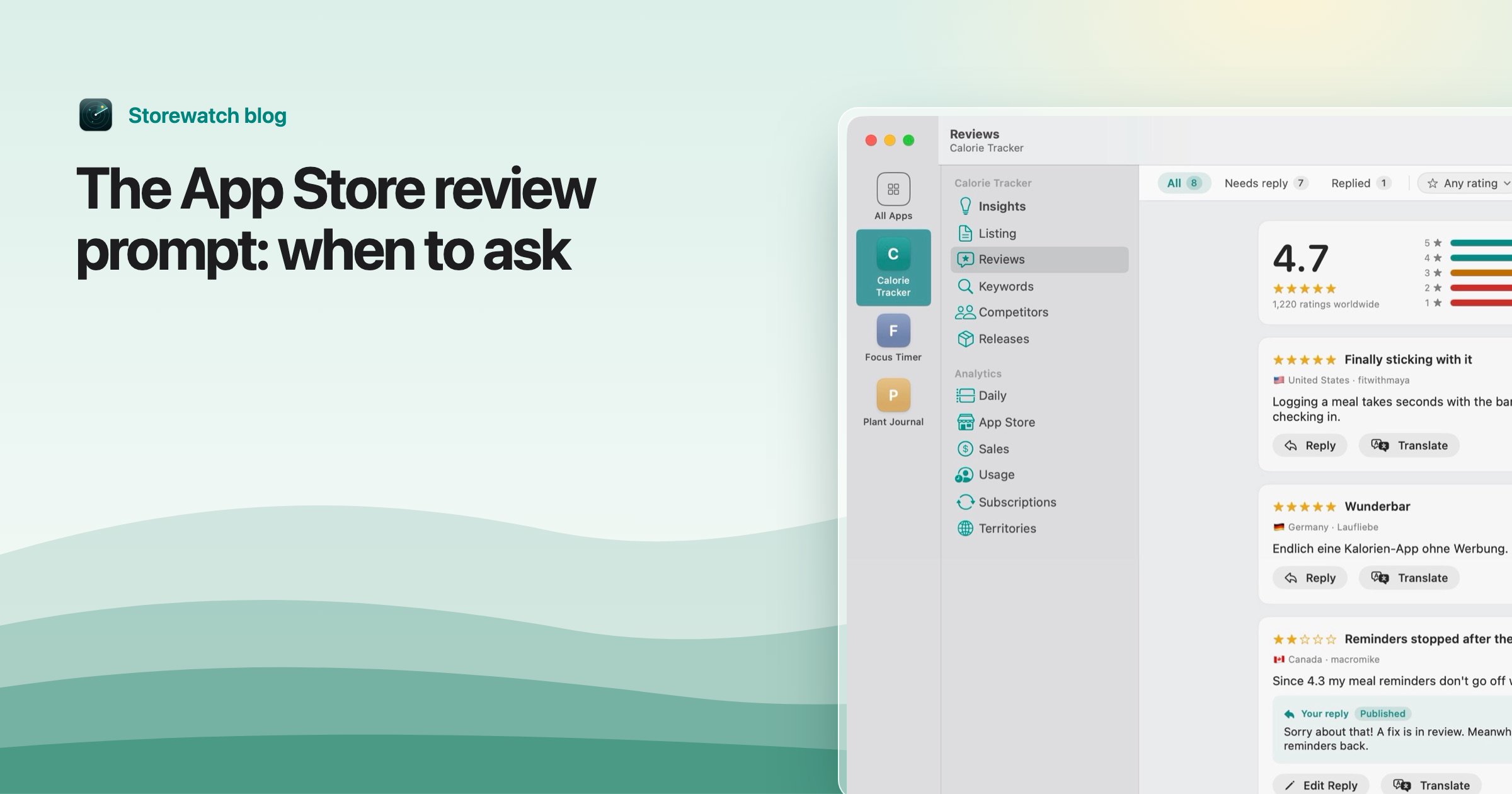
The App Store review popup is a system sheet that lets someone rate your app without leaving it. You ask for it with one API call, but you don't control whether it appears: Apple does. The system shows it a maximum of three times within a 365-day period per person, so you get very few chances and should spend them well.
This guide covers the current API as of November 2026, why your call may show nothing, when to ask, Apple's guidelines, and how to send people straight to the write-review page. Facts are from Apple's Requesting App Store reviews and the RequestReviewAction documentation.
The current API
There are two current ways to ask, depending on your UI framework. The old SKStoreReviewController is deprecated: Apple's header marks its requestReview() and requestReview(in:) methods deprecated in iOS 18 and macOS 15 with the message "Use AppStore.requestReview(in:)".
| API | Use it for |
|---|---|
@Environment(\.requestReview) | SwiftUI. Available from iOS 16 and macOS 13. |
AppStore.requestReview(in:) | UIKit, with a UIWindowScene. iOS 18 and later. |
SKStoreReviewController | Deprecated. Existing code still compiles, with warnings. |
SwiftUI
import StoreKit
import SwiftUI

struct ExportDoneView: View {
    @Environment(\.requestReview) private var requestReview

    var body: some View {
        Text("Export finished")
            .task {
                // Wait a moment so the prompt doesn't interrupt anything.
                try? await Task.sleep(for: .seconds(2))
                requestReview()
            }
    }
}
You get an action from the environment and call it like a function, as in Apple's sample.
UIKit
import StoreKit
import UIKit

@MainActor
func askForReview(from scene: UIWindowScene) {
    AppStore.requestReview(in: scene)
}
How often the system shows it
Apple's documentation says that if the person hasn't rated or reviewed your app on that device, StoreKit displays the request a maximum of three times within a 365-day period. If they have rated or reviewed it, the request can show again only if the app version is new and more than 365 days have passed since their previous review. People can also turn review requests off in their device settings.
The limit is per person, not per app launch, and your call does not tell you whether a sheet appeared or what the person did.
Why your call may show nothing
- The three-a-year limit. The system simply ignores the request. Apple calls the call a request "if appropriate".
- TestFlight. Apple says the method has no effect in apps distributed for beta testing through TestFlight.
- Development builds. When your app runs in development mode, StoreKit always shows the sheet so you can test it. That means a prompt you see while testing says nothing about whether it will appear for customers.
- The person turned requests off. Nothing you can do.
Because the sheet may not appear, Apple says not to call it in response to a button tap. A "Rate this app" button should open the write-review page instead (see below).
When to ask
Apple's guidance is to ask when it won't interrupt what the person is doing, for example at the end of a sequence they completed successfully, and not right when the app launches. Apple's sample asks only after a three-step process was completed at least four times, pauses for a few seconds on the completion screen, and never prompts twice for the same app version.
@AppStorage("successCount") private var successCount = 0
@AppStorage("lastPromptedVersion") private var lastPromptedVersion = ""

private func taskFinished(currentVersion: String) {
    successCount += 1
    if successCount >= 4, currentVersion != lastPromptedVersion {
        lastPromptedVersion = currentVersion
        // call requestReview() here
    }
}
The number four is arbitrary; Apple says pick one that fits how often people complete something in your app. Good moments are a finished export, a completed workout, or a solved problem. Bad moments are a crash recovery, an error screen or a paywall.
Apple's guidelines
App Review Guideline 5.6.1 (App Store Reviews) says to use the provided API to prompt users to review your app and that Apple will disallow custom review prompts. In practice, don't build your own "Do you like our app?" gate that routes happy users to the App Store and unhappy ones elsewhere. Guideline 3.2.2(x) adds that apps must not force users to rate or review the app to access functionality. Apple's guidelines also warn against manipulating reviews, and say your replies to reviews should stay on the user's comments with no personal information, spam or marketing. Guideline numbers can change, so check the current page.
Linking to the write-review page
For a settings-screen button, open your App Store page with action=write-review, as Apple's documentation shows:
@Environment(\.openURL) private var openURL

Button("Write a review") {
    if let url = URL(string: "https://apps.apple.com/app/idYOURAPPSTOREID?action=write-review") {
        openURL(url)
    }
}
Replace the ID with your app's App Store ID, which is in your product URL. This opens the write-review sheet directly and works any time, regardless of the three-a-year limit.
Resetting ratings on a new version
If a bad release dragged your average down, App Store Connect lets you reset the summary rating when a version is released. Per Apple's help article, you select "Reset rating when this version is released" for the version, and it applies to all countries at once. You can't restore the old rating afterward, written reviews stay, and the product page says the rating was recently reset until enough people rate the new version. It needs the Admin or App Manager role. A reset also makes your new prompts matter more, because every new rating counts toward a fresh average.
Replies help too
Asking is half of it. Answering the reviews you already have shows prospective users that someone is there. Storewatch's reviews inbox collects every review from every country, flags low ratings without a reply, and lets you write, edit or delete public replies without opening App Store Connect; AI drafts are suggestions only, and nothing is sent until you click Send. For more on what moves your listing, see the 100-character keyword field. Try Storewatch free for 3 days.
Frequently asked questions
Is SKStoreReviewController deprecated?
Yes. Apple marks it deprecated as of iOS 18 and macOS 15 and points to AppStore.requestReview(in:); SwiftUI apps use the requestReview environment value.
How often can the review prompt show?
At most three times in a 365-day period for a person who hasn't reviewed the app on that device.
Why isn't the review popup showing in TestFlight?
Apple says the request has no effect in apps distributed through TestFlight. It always appears in development builds, so you can test the layout.
Can I ask for a review from a button?
Not with the prompt API, since it may show nothing. Link to the write-review page with action=write-review instead.
How do I get more App Store reviews?
Ask after a success, once per version at most, and reply to the reviews you get. Don't offer rewards or build your own prompt, which Apple's guidelines disallow.