How to get more App Store reviews (without breaking the rules)
Six guideline-safe ways to get more App Store ratings and reviews: the system prompt, a write-review link, replies, fixing complaints, and what Apple forbids.
 By Alexander, maker of Storewatch · · 5 min read
The honest way to get more App Store reviews is to ask the right people at the right moment, make it easy, and then show that you read what they write. There's no trick that works around the rules, and several popular ones (a "do you like this app?" gate, a reward for five stars) can get your update rejected.
This guide lists what works and what Apple forbids, with the guideline numbers, as of November 2026. Rules are from Apple's App Review Guidelines (last updated October 16, 2026) and its Ratings, reviews, and responses page. I don't quote review-rate numbers here because Apple doesn't publish any, and what works varies a lot by app.
Six things that work
1. Use the system prompt, after a success
Apple's own advice is to ask when people are most likely to be satisfied, "such as when they've completed an action, level, or task," and not to interrupt what they're doing. Use the system API for this, because guideline 5.6.1 says to use the provided API and that Apple "will disallow custom review prompts." The system limits how often it appears (up to three times in 365 days per person), so don't spend it on someone who just opened the app for the first time. The details, with code, are in the App Store review prompt guide, so I won't repeat them here.
2. Give a "Rate this app" button a permanent home
The system prompt may show nothing, so add a button in Settings or About that opens your App Store page's write-review sheet with ?action=write-review added to the product URL. It works any time and isn't subject to the three-a-year limit. The code is in the review prompt guide.
A good place for it is next to your support and feedback links, so a person with a complaint has a clear alternative route (see tactic 5).
3. Reply to reviews, especially the negative ones
When you reply, Apple says the customer is notified and can update their review. A fixed problem plus a reply is the route Apple points to for turning a low rating around, and it keeps your good ratings, which a reset wouldn't. Apple suggests prioritizing the lowest-star reviews and those reporting technical issues with your current version. For how to write them, see how to reply to App Store reviews.
4. Fix what low reviews say, then tell people
Read the 1 and 2 star reviews for patterns: the same crash, the same missing feature, the same confusion about pricing. Fix the top one, and put it in your release notes. Apple says that when an update fixes issues from older reviews, you can mention it in release notes and consider replying to those reviewers. This is also the best long-term way to raise ratings, since the prompt only collects what your app has earned. Reading by version helps: App Store Connect lets you filter reviews by app version.
5. Give unhappy users a better route than a review
Apple recommends making support contact information easy to find in the app and on your product page, so users with problems have a direct route instead of leaving a negative review. A "Contact support" link in Settings, and a support URL on your product page, is enough. This is different from a gate: you aren't hiding the review option from anyone, you're just also offering a faster way to get help.
6. Be patient with the rating, and keep asking in each version
Ratings come in per country, and an overview rating shown on your product page needs "enough" ratings to appear after a reset. Steady asking (prompt at each success, a link, replies) beats one big push. Also remember a reviewer who rated an older version can edit their review later, because only their latest rating counts. See how App Store ratings work for per-country behavior and resets.
What Apple forbids
| Don't | Why (guideline) |
|---|---|
| Build your own "Do you like the app?" screen that sends happy users to the App Store and unhappy ones to a feedback form | 5.6.1: Apple will "disallow custom review prompts." Use the provided API. |
| Pay for reviews, buy ratings, use fake accounts, or run swaps for five stars | 5.6.3 Discovery Fraud: "Manipulating any element of the App Store customer experience such as charts, search, reviews, or referrals" isn't permitted. Repeated manipulation can lead to removal from the Developer Program (5.6). |
| Make people rate or review before they can use a feature | 3.2.2(x): apps must not force users to rate or review "in order to access functionality, content, or use of the app." |
| Reply to reviewers with spam, marketing or personal information | 5.6.1: keep responses "targeted to the user's comments" with no personal information, spam or marketing. |
A note on rewards. Apple's text doesn't use the phrase "incentivized review" in the sections quoted above. 3.2.2(x) says apps "may otherwise incentivize users to take specific actions within apps (such as by completing a level or watching an ad)," but giving someone a benefit in exchange for a review is manipulating reviews under 5.6.3, and you'd be taking a risk with the whole developer account. Don't do it.
Tip: If a review is offensive, spam or breaks policy, don't reply to it. Use Report a Concern under the review in App Store Connect. The reviewer isn't notified.
How to know it's working
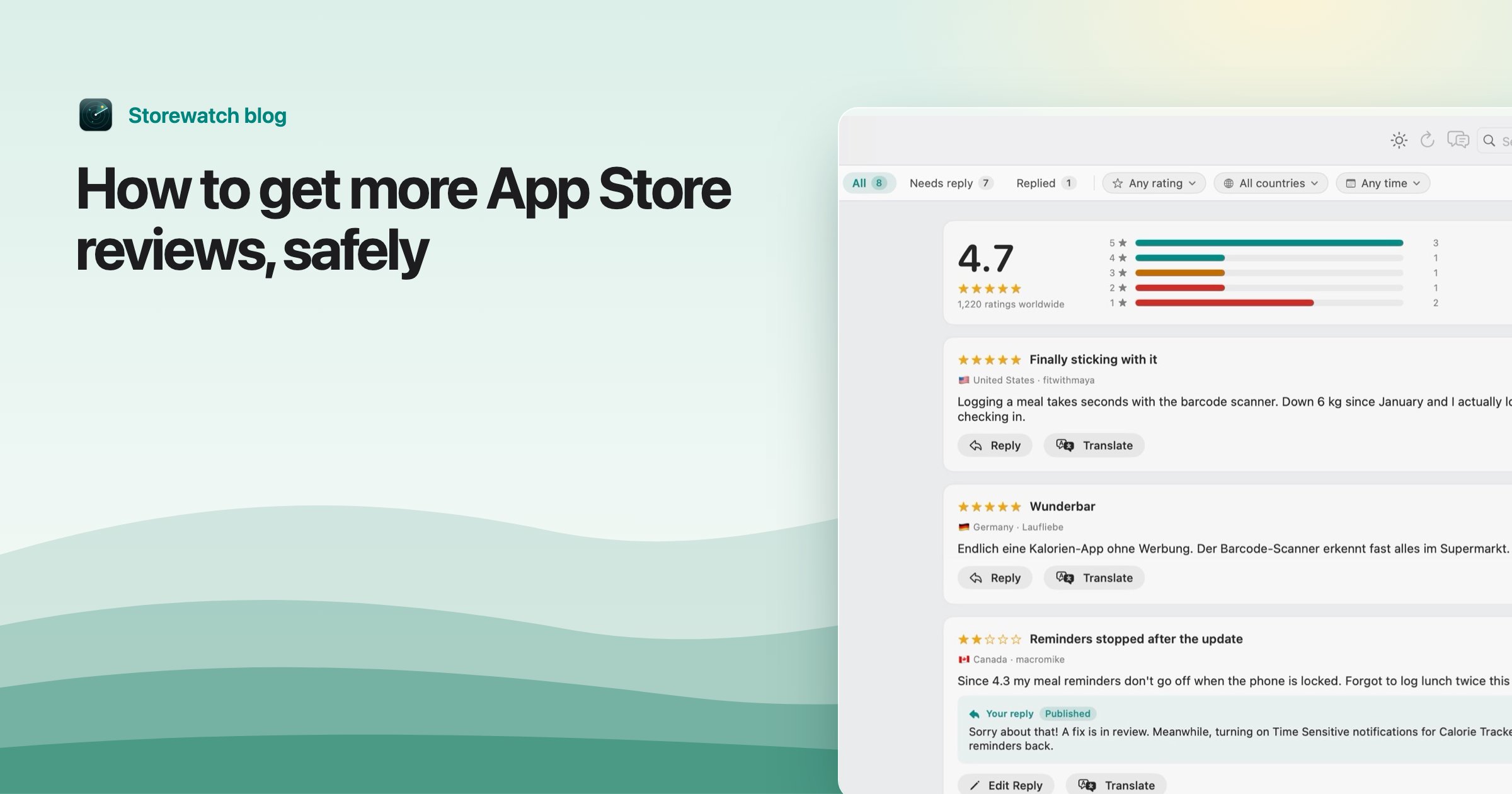
Watch two things after each release: how many new ratings you get per country, and what the written reviews complain about. If the prompt is shown at a good moment, ratings should arrive steadily; if they stop, check that you're calling the API at a point where the user is happy. Storewatch's reviews inbox has every review from every country in one place, with a clickable star breakdown, filters by rating, country and date, and a flag on low ratings that have no reply. It can draft a first reply in the reviewer's language, and nothing is sent until you click Send.
Frequently asked questions
How do I get more reviews on the App Store?
Ask with the system review prompt after a successful moment, add a Rate button that opens the write-review page, reply to existing reviews, and fix the issues that low reviews describe. Apple doesn't allow custom review prompts or rewards for reviews.
Can I offer a reward for a 5-star review?
No. Guideline 5.6.3 prohibits manipulating reviews, and a reward tied to a rating or review is exactly that. Guideline 3.2.2(x) also forbids requiring a rating or review to use the app.
Can I ask only happy users to review my app?
Not with a custom screen that filters people. Guideline 5.6.1 says Apple will disallow custom review prompts. You can choose when to use the system prompt, such as after a user completes a task.
How often can I ask for a review?
The system prompt shows up to three times in a 365-day period per person, and the system decides whether it appears at all. A write-review link isn't limited that way.
Does replying to a review increase my rating?
It can. Apple says the customer is notified of your reply and can update their review. It only helps if the reply addresses the problem and, ideally, the problem is fixed.