How to reply to App Store reviews (with examples)
How developer responses work in App Store Connect: who can reply, editing, what the customer sees, how long it takes, plus three example replies.
 By Alexander, maker of Storewatch · · 6 min read
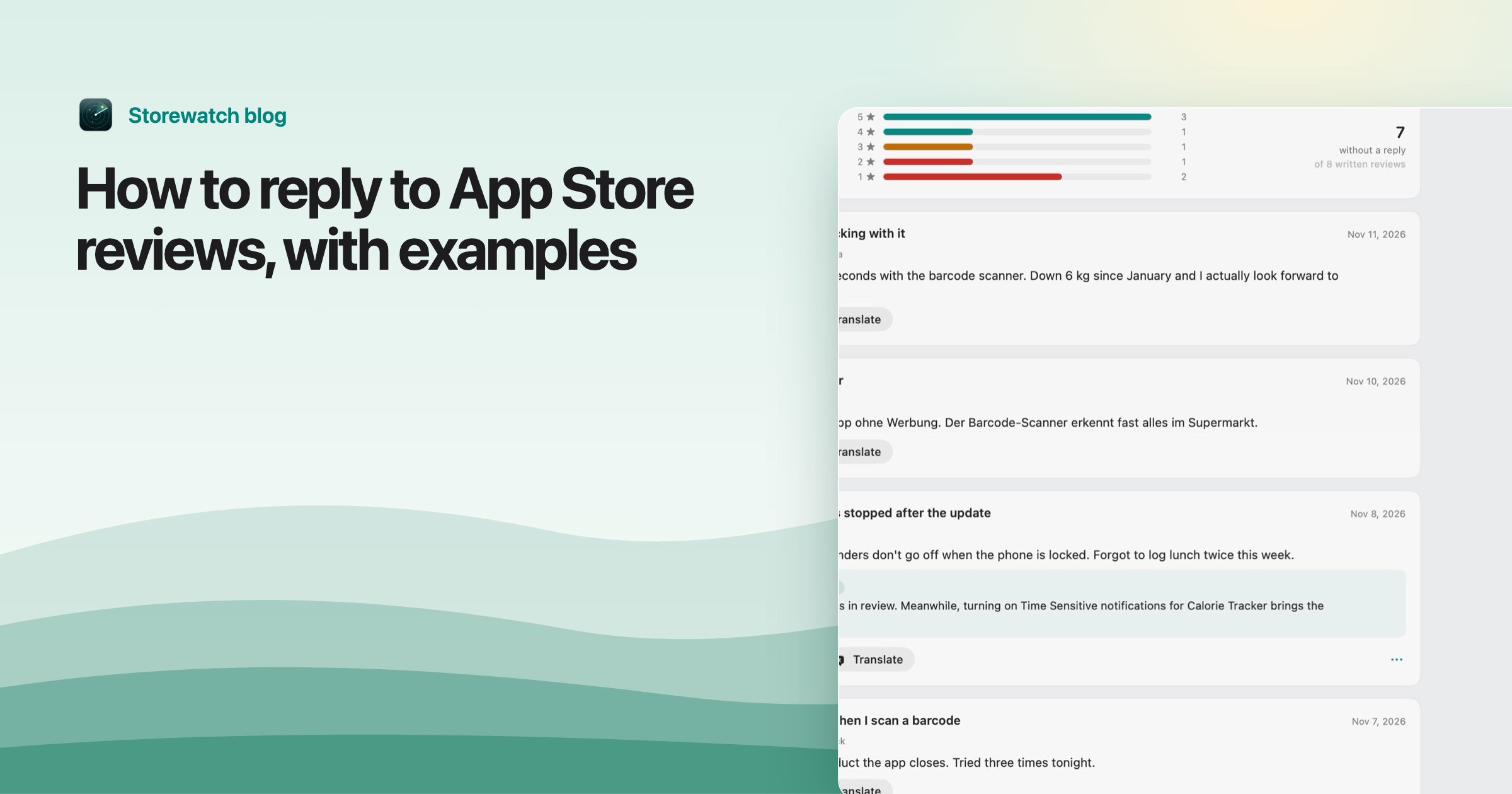
You can reply to any App Store review in App Store Connect: open your app, click Ratings and Reviews, find the review and click Reply. Your response is public, the customer is notified, and they can update their review afterward. Only one response per review is shown.
This guide covers the mechanics (roles, editing, timing), what Apple asks you to write and avoid, three short example replies, and replying in the reviewer's language. Facts are from Apple's Respond to reviews, Ratings and reviews overview and Ratings, reviews, and responses, as of November 2026.
How developer responses work
- In Apps, select your app, then click Ratings and Reviews in the sidebar.
- Choose the platform at the top right.
- Find the review and click Reply.
- Type your response and click Submit.
| Question | What Apple says |
|---|---|
| Who can reply? | Account Holder, Admin or Customer Support. |
| Can I edit or delete? | Yes. Click Edit Response, then Save or Delete Response. You don't need to be the person who wrote it. |
| How long until it's public? | Up to 24 hours. Until then it shows as pending in App Store Connect. |
| Does the reviewer know? | Yes. They're notified and can update their review. |
| How many replies per review? | One. Only one response is shown on your product page. |
| If they edit their review? | Your response stays publicly visible. |
| Edited replies | Show a note that they were edited. |
Apple says you can respond to any review regardless of its date. That means a review from last year is fair game, and replying after you've shipped a fix is one of the most useful things you can do with it.
Apple's guide also mentions that you can set up email alerts in App Store Connect for when someone edits a review you've answered.
What Apple asks you to write, and avoid
Guideline 5.6.1 in the App Review Guidelines says to treat customers with respect and to keep responses "targeted to the user's comments," with no personal information, spam or marketing. Apple's ratings page adds that replies should be concise and friendly, and personalized rather than generic. Section 5.6 more broadly ties your replies to the Developer Code of Conduct, so harassment or bullying a reviewer can put your account at risk.
- Billing or download problems: Apple says to direct the reviewer to Apple Support, since you can't fix those.
- Offensive or spam reviews: don't reply. Use Report a Concern under the review. The customer isn't notified.
- Priority: if you can't answer everything, Apple suggests starting with the lowest-star reviews and those reporting technical problems with the current version.
What to write: three examples
A good reply is short, names the actual problem, says what happens next, and doesn't argue. Change the details to fit your app. If you reuse these word for word, they stop being personalized.
Bug report
Review: "Crashes every time I open a PDF. Used to work."
"Thanks for telling us, and sorry about the crash. We found the problem with opening PDFs, and the fix is in version 4.2, which is out now. If it still happens after updating, tell us your iOS version at support@example.com and we'll look at it right away."
Why it works: it acknowledges the problem, gives a version number the reader can check, and offers one way to follow up. It also invites an edit to the review without asking for one.
Feature request
Review: "Great app but no dark mode. Hurts my eyes at night."
"Thanks, glad you like it. Dark mode is on our list, and your note helps us put it higher. We don't have a date to share yet. You'll see it in the release notes when it ships."
Why it works: it's honest about timing and doesn't promise a date it can't keep. Only promise what you'll actually ship.
Angry 1-star
Review: "Terrible. Charged me and nothing works. Total scam."
"I'm sorry this has been such a bad experience. I can't see your account here, so I can't tell what went wrong. If you were charged and something doesn't work, billing is handled by Apple, so please contact Apple Support about the charge, and please write to support@example.com so we can fix the issue itself."
Why it works: no defensiveness, no arguing about "scam," and a real next step. The Apple Support pointer follows Apple's advice to send billing problems to Apple. A calm public reply is also written for the next shopper reading the page, not only for the angry reviewer.
Tip: Don't put private details (emails, order numbers, anything personal) in a public reply. Use a support address and ask them to write. Guideline 5.6.1 says no personal information.
Replying in the reviewer's language
Reviews come from every country you sell in, so many aren't in English. A reply in a language they can read is more useful to them, and to other local customers reading the page, than an English one. Apple doesn't require it, but personalizing a reply is part of its advice.
- Translate the review to understand it. macOS has built-in translation, and any translation tool works.
- Write the reply in the same language, or have a draft translated and then read it again for tone.
- Keep it simple: short sentences translate best, and idioms often don't.
If you aren't sure about the language, a short, plain reply in simple English is better than a bad translation, because one wrong word in a refund or bug message can read as rude.
Doing it from a Mac inbox
If you reply often, App Store Connect's per-country screens get slow. The Storewatch reviews inbox shows every review from every country in one place, with tabs for "needs reply" and "replied," filters by rating, country and date, and a flag on low ratings that have no reply yet. You write, edit or delete public replies inline, with a status when Apple is still checking a reply. It has built-in macOS translation to read reviews in any language, and an AI draft button that suggests a first reply in the reviewer's language. Nothing is sent until you click Send, so you can edit every draft. A digest notification tells you about new reviews, with a count of the 1 and 2 star ones.
For what ratings mean for your page, see how App Store ratings work, and for getting more of them, how to get more App Store reviews.
Frequently asked questions
Can developers reply to App Store reviews?
Yes. People with the Account Holder, Admin or Customer Support role can reply in App Store Connect under Ratings and Reviews. Apple shows one response per review.
Does the customer get notified when I reply?
Yes. Apple says the customer is notified and can update their review in response. Your response stays visible even if they edit the review.
How long does it take for my reply to appear?
Up to 24 hours. Until then it shows as pending in App Store Connect.
Can I edit or delete my reply?
Yes, at any time. Use Edit Response next to the review. Anyone with a role that can reply can edit it, not only the person who wrote it, and an edited reply is marked as edited.
Can I reply to old reviews?
Yes. Apple says you can respond to any review regardless of its date. It also suggests mentioning fixes in your release notes and replying to the reviewers who raised them.
What should I do about an abusive or fake review?
Don't reply. Use Report a Concern under the review in App Store Connect. The customer isn't notified.