App Store Connect data delay: when yesterday's numbers arrive
When App Store Connect sales and analytics data shows up, why yesterday is missing or today looks low, and what is still settling. Checked November 2026.
 By Alexander, maker of Storewatch · · 8 min read
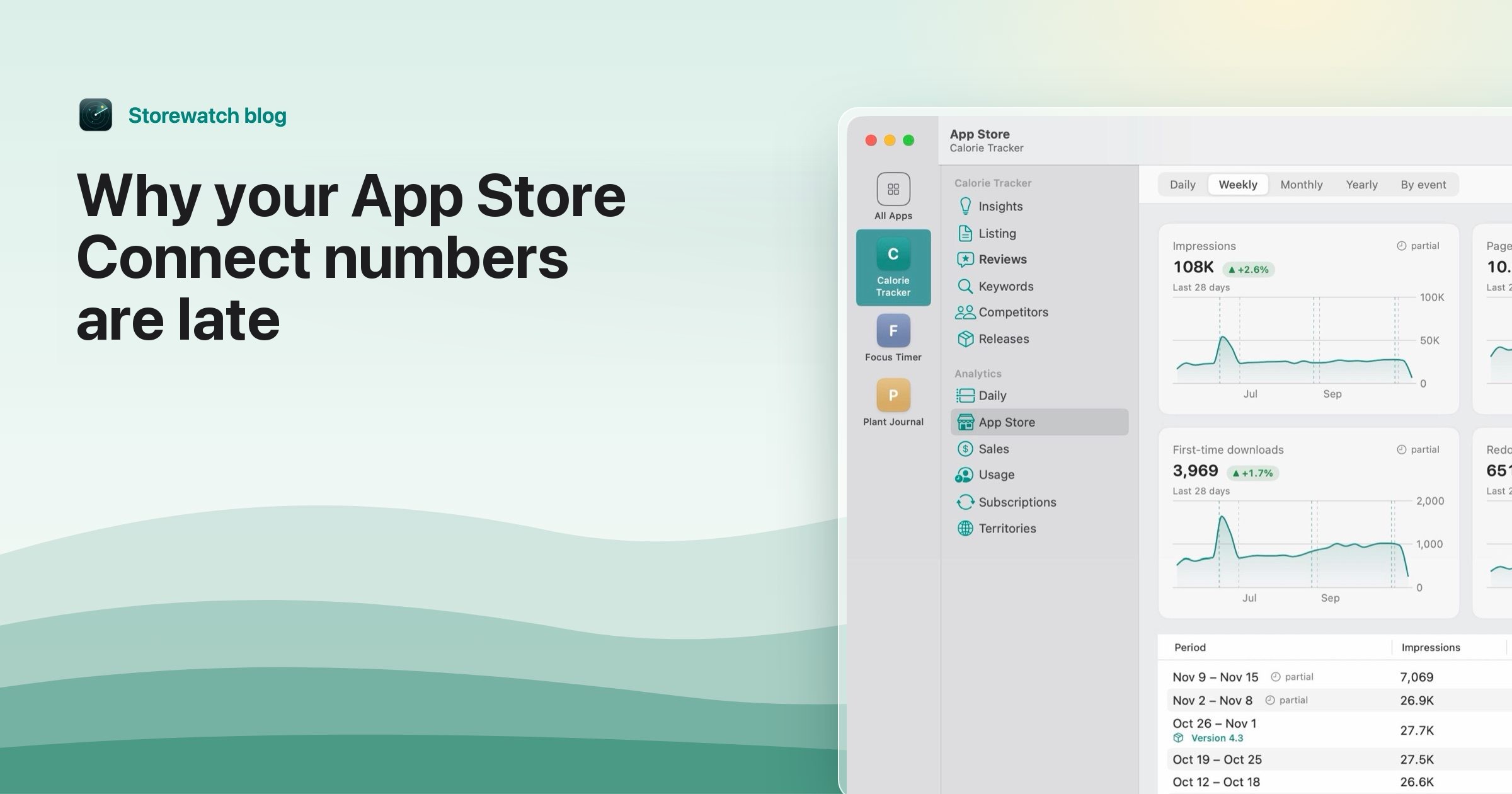
App Store Connect updates on three clocks. Sales and Trends shows next-day data, and Apple says daily reports are generally available by 8 a.m. Pacific Time. App Analytics treats a day as complete two days after the reporting date. Payments and financial reports follow Apple's fiscal calendar, which is slower still. If yesterday is missing or today looks low, you are almost always looking at a clock that has not finished yet.
This guide gives the timings Apple documents, says what is still unconfirmed, and ends with a short checklist for when a number looks wrong. All facts about Apple are from Apple's own pages, checked November 2026.
The short answer: when each report updates
| Where you look | When the data arrives | When it is final |
|---|---|---|
| Sales and Trends, last 24 hours | Generally within two hours | Not final. It is an estimate. |
| Sales and Trends, daily report | The next day, generally by 8 a.m. Pacific Time | Finalized report data, but proceeds are not final |
| App Analytics, Analytics Reports API | First report 24 to 48 hours after your first request | Two days after the reporting date |
| Weekly, monthly, yearly Sales reports | Weekly on Mondays; monthly five days after month end; yearly six days after year end | As published |
| Payments and financial reports | By Apple fiscal month | Settled transactions and finalized proceeds |
Sources are listed at the end of the post, with the exact page for each row.
Sales and Trends: next day, by 8 a.m. Pacific
Apple describes Sales and Trends as next-day data, recorded when a customer starts a transaction. Apple's availability page gives the schedule: daily reports are available the following day, weekly reports on Mondays, monthly reports five days after the end of the month and yearly reports six days after the end of the year. It adds that reports are "generally available by 8 a.m. Pacific Time."
"Generally" is Apple's word. Apple gives no hard deadline, so a report that is a few hours late is not proof of a problem on your side. For a developer in Europe, 8 a.m. Pacific is 4 p.m. in London and 5 p.m. in Berlin (outside the weeks when US and European clocks change on different dates). Apple's page does not say whether anything shifts on weekends or holidays. It states fixed offsets and nothing more, so treat a late Monday morning as normal rather than a fault.
Apple also keeps daily, weekly and monthly reports for one year after they become available, and yearly reports for ten years. After that they are not stored or regenerated.
Why today looks low
Two things make the current day look small.
- The day is not over. In the Sales and Trends dashboard, Apple says hourly data for the last 24 hours is "generally available within two hours." So the dashboard can show part of today, but the daily report for today does not exist until tomorrow.
- The dashboard shows estimates. Apple says the dashboard shows near-real-time estimates, while downloaded reports contain finalized data. Refunds, billing retries and currency conversions may be recorded at different times in each system, and Apple advises against comparing dashboard totals directly with downloaded reports.
So a low number at 10 a.m. is not a drop in downloads. Wait for the day to end and for the report to publish before you judge it.
Which day is "yesterday"
The two tools do not agree on where a day starts. Apple's differences page says App Analytics data is based on UTC. By default, Sales and Trends data is also shown in UTC, but you can change it to Pacific Time. Apple's download page says downloaded reports use Pacific Time, and a day runs from 12:00 a.m. to 11:59 p.m. PT.
That means "yesterday" in the dashboard (UTC by default) and "yesterday" in the report you download (Pacific) cover different hours. Some of your evening downloads in Europe land on one day in one view and on the next day in the other. To compare like with like, switch the dashboard to Pacific Time. I cover the full list of reasons the two tools disagree in why downloads don't match your Sales report.
App Analytics: complete after two days
For analytics you pull through the Analytics Reports API, Apple says that "data for a given day is considered complete two days after the reporting date." It also says that after you make an ONGOING report request, you receive your first report approximately 24 to 48 hours later. An Admin has to make the first request for each report type. If you set the API up today, do not expect numbers today.
Two more things can make analytics look empty or smaller than Sales and Trends:
- Privacy thresholds. Apple's reports omit rows with data from fewer than five users or five unique devices, and some usage reports are not generated at all when minimum thresholds are not met. A quiet day for a small app can come back blank.
- Opt-in. Usage data comes only from users who agreed to share diagnostics and usage information, so sessions and crashes are a sample.
Apple's data-completeness page for the Analytics Reports API returned an error when I tried to open it, so I cannot quote what it says about corrections. Apple's help pages do say a day is complete after two days. Forum posts from other developers describe data arriving later than that, but that is not Apple's documentation, so I treat it as a reason to wait a day longer, not as a rule. For the API itself, see the practical guide to the Analytics Reports API.
Why money lags the most
Sales and Trends estimates sales and proceeds in US dollars, based on a rolling average of the previous month's exchange rates. Apple says proceeds there are not final. Payments and Financial Reports are different: they show settled transactions and finalized proceeds, according to the Apple fiscal calendar, using the exchange rate applied to convert to your bank account's currency.
Timing also differs. Apple says a transaction started in one month may not appear in Sales and Trends reports until payment is processed, collected and invoiced, possibly in the following fiscal month. Apple's fiscal months do not match calendar months, so the month you see in Sales and Trends will not match the month in your financial report. See the Apple fiscal calendar for 2026 and 2027 and how proceeds become a payment.
What to check when a number looks wrong
- Check the day. Is it yesterday or today? Yesterday's daily report is generally out by 8 a.m. Pacific. Today's does not exist yet.
- Check the time zone. Set Sales and Trends to Pacific Time to match downloaded reports, or to UTC to match App Analytics.
- Check which tool. Dashboard estimates and downloaded reports are different data. Compare dashboard with dashboard.
- Leave out the last two days when you read analytics. Apple counts a day as complete after two days.
- Check for thresholds. A blank usage number on a small app can be fewer than five users, not missing data.
- Wait a day before you act. A late report that appears tomorrow changes nothing. A missing report after several days is worth a note to Apple Developer Support.
How Storewatch handles the wait
Storewatch is our Mac app. It reads the same reports with your own App Store Connect API key, so it is bound by the same delays. It does not make Apple's data arrive sooner. What it does is label the numbers that are not final.
- When Apple has not published yesterday's report, the dashboard says so, and the Daily screen shows a banner with the time of the last check. It checks every 15 minutes while the app is open.
- Recent days and weeks carry a "partial" badge. It means the day is still inside Apple's completeness window, so the number may grow.
- A download count taken from the daily Sales report is marked "Preliminary" until the analytics report for that day arrives. Storewatch then replaces it with the Analytics count.
- The sync status shows when the last sync ran.
The in-app note says Apple's report usually arrives around midday Eastern. Apple's own page says by 8 a.m. Pacific, which is 11 a.m. Eastern, so the app's note is a rough guide and Apple's page is the source. If you only want the sales side, the App Store sales tracker page covers it. It costs $29 once, with a 3-day free trial. Everything above works without it, in App Store Connect.
Sources
All checked November 2026.
- Daily, weekly, monthly and yearly availability, "generally available by 8 a.m. Pacific Time", one-year retention: Sales and Trends reports availability
- Next-day data, financial reports by fiscal calendar: Overview of reporting tools
- Hourly data within two hours, dashboard estimates vs downloaded reports, UTC default and Pacific option, proceeds not final: View units, proceeds, sales and pre-orders
- Downloaded reports use Pacific Time, 12:00 a.m. to 11:59 p.m.: Download and view reports
- App Analytics in UTC, processing-time differences, following fiscal month, exchange rates: Differences in reporting tools
- First report 24 to 48 hours after an ongoing request, complete two days after the reporting date, thresholds and opt-in: Download App Analytics reports
Frequently asked questions
When does App Store Connect update?
Apple says daily Sales and Trends reports are available the following day, generally by 8 a.m. Pacific Time. Analytics data for a day is complete two days after the reporting date.
Why are my App Store Connect sales not showing?
The most common reason is timing. Yesterday's report may not be out yet, or the dashboard may be in a different time zone from the report you are comparing. Apple's page lists no fixed deadline, so check again later in the day before assuming a problem.
Why is App Store Connect analytics delayed?
Apple treats analytics data as complete two days after the reporting date. A new Analytics Reports API request also takes about 24 to 48 hours to produce its first report.
Is the Sales and Trends dashboard real time?
No. Apple calls it near-real-time estimates. Hourly data for the last 24 hours is generally available within two hours, and downloaded reports contain the finalized data.
Which time zone does App Store Connect use?
App Analytics uses UTC. The Sales and Trends dashboard defaults to UTC and can be switched to Pacific Time. Downloaded Sales and Trends reports use Pacific Time.
Does the delay change on weekends or holidays?
Apple's availability page does not say. It lists fixed offsets, such as the next day for daily reports, with no weekend or holiday exception.
When do I see my real earnings?
In Payments and Financial Reports, which show settled transactions and finalized proceeds by Apple fiscal month. Sales and Trends proceeds are estimates and are not final.