App Store rankings: top charts, search ranks and what Apple says
"App Store rankings" means two things: category top charts and where you appear for a search. What Apple says drives each, what is speculation, and how to track yours.
 By Alexander, maker of Storewatch · · 4 min read
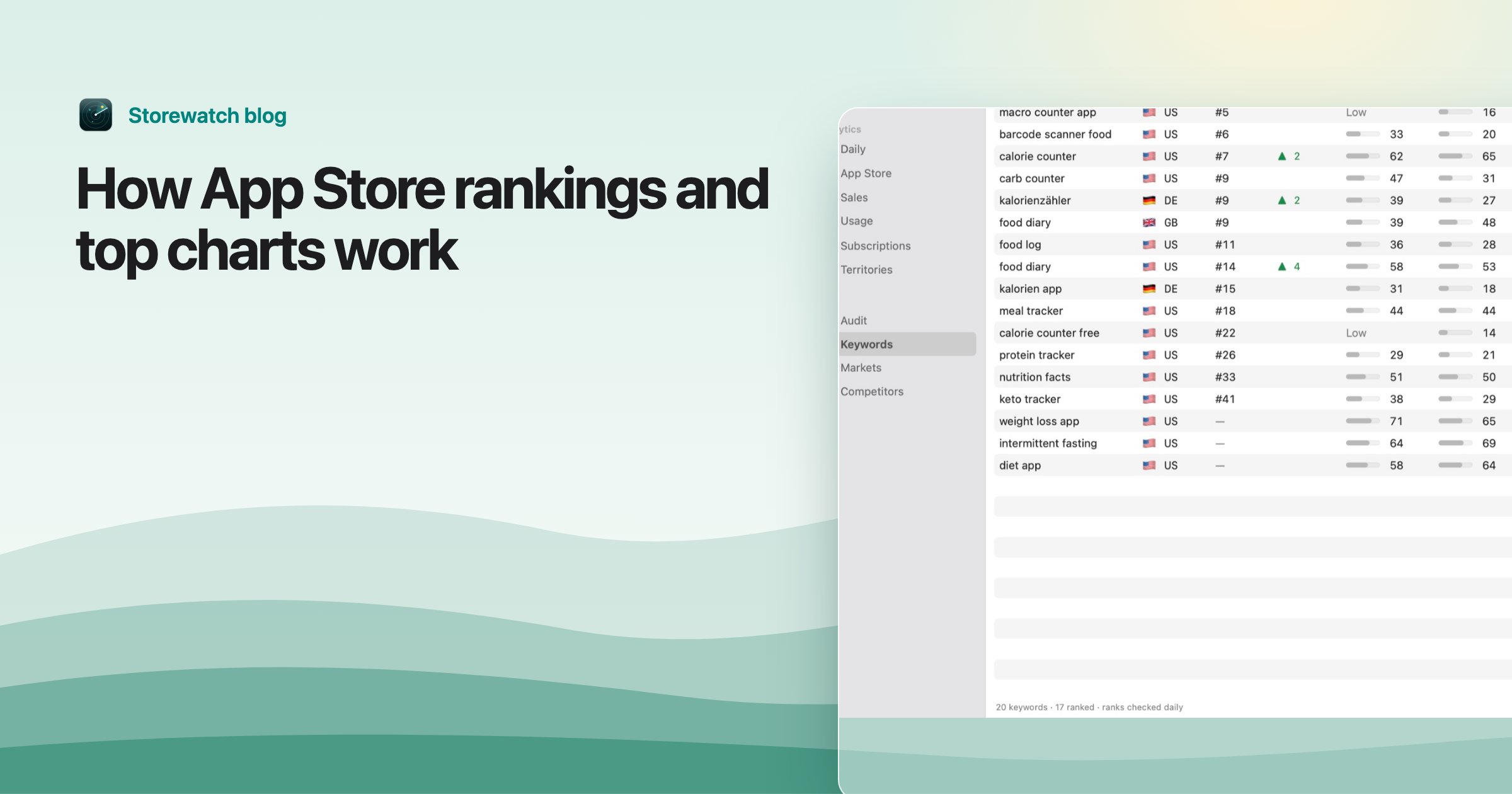
"App Store rankings" can mean two different lists. The top charts rank apps by category, such as Top Free Apps in Productivity. Search rankings are the order of results when someone types a word into the App Store.
They work differently, Apple publishes very little about how either is calculated, and a lot of what you read online is guesswork. This page separates what Apple says from what is only believed, then shows how to track your own ranks.
Top charts
As of November 2026, Apple's public iPhone charts page shows four lists: Top Free Apps, Top Paid Apps, Top Free Games and Top Paid Games. I did not find a Top Grossing list there. The apps lists can be filtered by category (Productivity, Finance, Health & Fitness and so on) and the games lists by genre, and the charts differ by country.
Apple does not say how chart positions are calculated. Its discoverability page mentions top charts only as something the Games and Apps tabs feature.
What is known and what is guessed
- Known: the public charts are per country and can be filtered by category. Apple says your primary category helps people find you when browsing and decides which tab your app appears in, so choose it deliberately. Apple doesn't say how that maps to chart eligibility.
- Speculation: that charts are driven by recent download velocity, with new downloads counting more than older ones. This is the common assumption, and it fits how charts behave, but Apple has not confirmed it.
- Speculation: that paid chart rank is weighed differently from free. Not documented.
Since Apple doesn't publish the formula, the practical takeaways are modest: pick the right primary category, and remember that a chart position is a relative rank, not a download count.
Search rankings
When a customer searches, Apple says the App Store returns apps ranked on a number of factors. From its App Store search page, as of November 2026:
| Signal | What Apple lists |
|---|---|
| Text relevance | Matches for your title, subtitle, keywords and primary category |
| User behavior | Downloads, ratings and reviews, "and more" |
Apple also says your optional secondary category is indexed by search, and that promotional text does not affect search ranking. Its list says "including", so it is not complete, and it gives no weights.
What this means in practice
- Known, and in your control: the words in your title, subtitle and keyword field. Cover your target words once each, and don't waste space on repeats. See the 100-character keyword field and keyword research.
- Known, but slower: downloads and the number and quality of ratings. Getting more reviews helps both conversion and ranking.
- Speculation: exact weights, how recent behavior is weighed against history, and whether some signals matter more for popular keywords. Treat claims with specific percentages as guesses unless they cite Apple.
How to track your rank
Two things to know first. Ranks differ by country (and the language the store uses), and they can differ between the App Store app and other ways of searching. I explain that in public search vs the App Store.
- By hand. Search your keyword in the App Store on a device set to that country and count. It works for a few keywords, once.
- With a free checker. The app rank checker shows where an app ranks for a keyword in a country.
- Daily, for many keywords and countries. That is what Storewatch does: it checks the rank of each keyword in each country from the App Store's own search once a day, with 7-day movement and a history chart, and marks your listing changes so you can see whether a change helped.
Storewatch tracks keyword ranks, not category chart positions. You can import keywords in bulk, and the ASO tools show which are worth targeting. It is a Mac app, $29 once, with a 3-day free trial: download it.
What to do with your ranks
- Ranked 4 to 20: these are close. Check whether the word is in your title or subtitle and whether competitors have more ratings.
- Not ranked: the word may be missing from your listing, or the search too competitive. Try a more specific phrase.
- After any change: wait a week or so and compare. Don't change three things at once.
For the whole picture, see the guide to App Store optimization.
Frequently asked questions
How does App Store ranking work?
For search, Apple says results are ranked on text relevance (title, subtitle, keywords, primary category) and user behavior (downloads, ratings and reviews, and more). Apple doesn't publish weights. It doesn't explain how the top charts are calculated.
What are the App Store top charts?
Lists of the top apps and games by country and category. As of November 2026 the public charts page shows Top Free and Top Paid for apps and for games.
Is there still a Top Grossing chart?
I did not find one on Apple's public charts page in November 2026. Some third-party tracking sites publish grossing rankings, which Apple does not provide there.
How do I see where my app ranks for a keyword?
Search it in the App Store for the country you care about, use a rank checker, or track it daily with a tool like Storewatch.
Does promotional text affect ranking?
No. Apple says it doesn't affect search ranking.